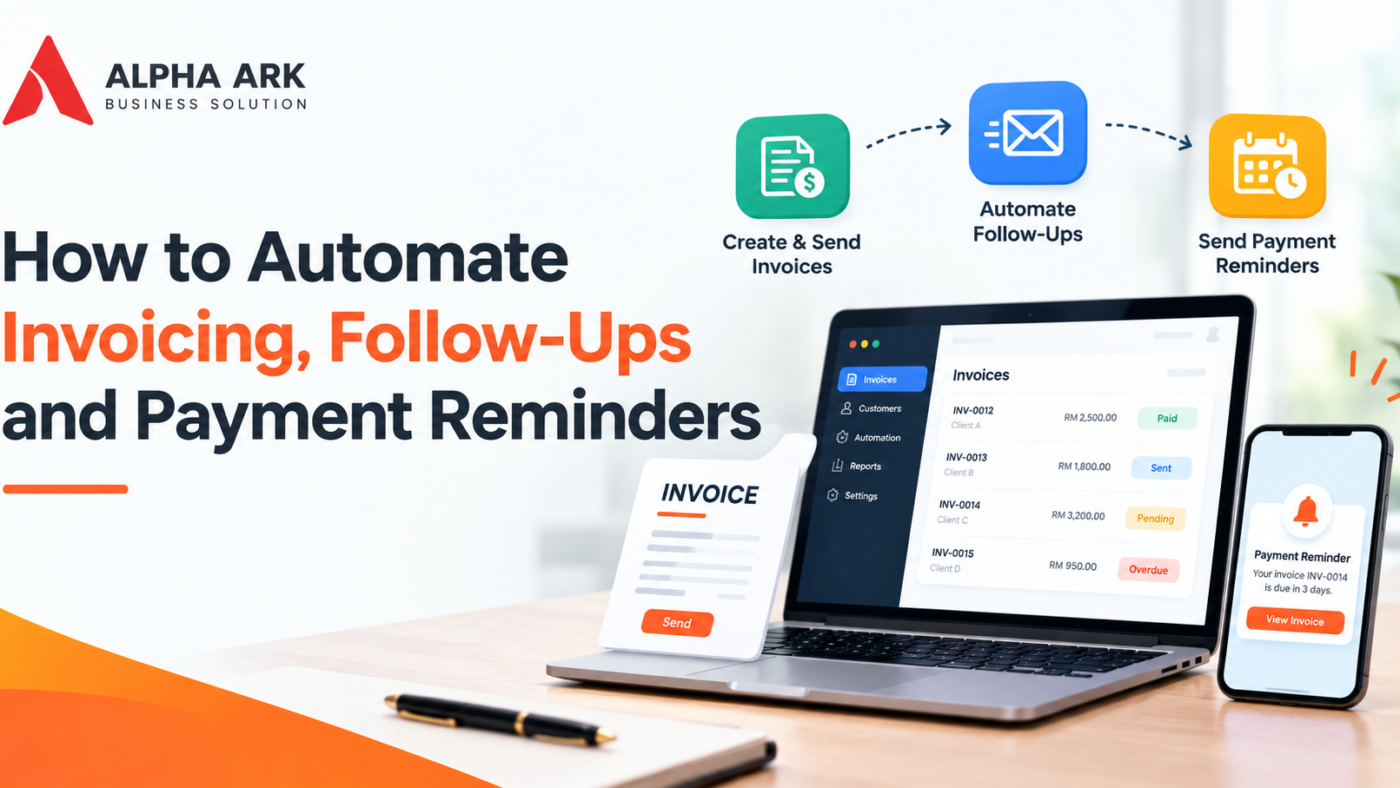
Cash flow is the lifeblood of a small business. Many SMEs are profitable on paper yet struggle because customers pay late and chasing them takes time. Automation will not force customers to pay, but it makes the process consistent and less awkward.
Why manual invoicing causes problems
- Invoices are sent late because someone forgot
- Details are retyped and mistakes slip in
- Nobody tracks who has been reminded
- Follow-up depends on the owner’s memory
Step 1: Standardise your invoice details
Agree on clear payment terms, due dates and bank details. Make sure every invoice includes the information you need and that it matches the requirements that apply to your business. In Malaysia, businesses in scope of LHDN’s e-Invoice rules must issue invoices through the MyInvois system, so check your status before choosing a tool.
Step 2: Generate invoices automatically
Connect your sales or job completion records to your accounting software so invoices are created from the order, not retyped. Many accounting systems can generate recurring invoices for subscriptions or retainers.
Step 3: Send invoices promptly
Set invoices to be sent as soon as they are approved. Faster invoicing usually means faster payment.
Step 4: Schedule payment reminders
A simple sequence works well:
- A few days before the due date: a friendly reminder
- On the due date: a short notice with payment details
- After the due date: a polite follow-up, then a firmer one if needed
Adjust the timing to your industry and customer relationships.
Step 5: Make payment easy
Include clear payment instructions, and where suitable, a payment link or QR option. The fewer steps, the faster customers pay.
Step 6: Track and escalate
Keep a simple aging list showing who owes what and for how long. Define what happens at each stage: reminder, phone call, then a formal notice. Seek proper advice before taking legal steps.
Step 7: Review monthly
Look at average days to payment and the customers who are repeatedly late. Consider adjusting terms, deposits or credit limits for them.
Tone matters
Keep reminders polite and professional. Automation should sound like your business, not like a threat. Allow a human to take over when a customer replies or disputes an invoice.
Key takeaway
Prompt invoicing, clear terms and scheduled reminders form a system that improves cash flow without stressing relationships.
FAQ
Will automated reminders upset customers?
Not when they are polite and consistent. Most customers prefer a clear reminder to an awkward surprise.
Can accounting software do this already?
Many packages include reminder features. Check what yours offers before buying anything new.
What about e-invoicing?
If your business falls under Malaysia’s e-Invoice rules, your invoicing process must work with MyInvois. Read our guides in the Practical Guides category.
Need help applying this in your business? Alpha Ark Business Solutions helps Malaysian SMEs transform, automate and grow with practical digital systems and AI. Contact us to discuss your situation.